← Listing School · all courses
Rank on Amazon in 7 lessons
From a listing that exists to a listing that gets found. Each lesson is two minutes of reading and one real action - by lesson 7 your listing is rewritten, illustrated, filmed and rank-checked. 7 lessons · ~25 min · Beginner. Free.
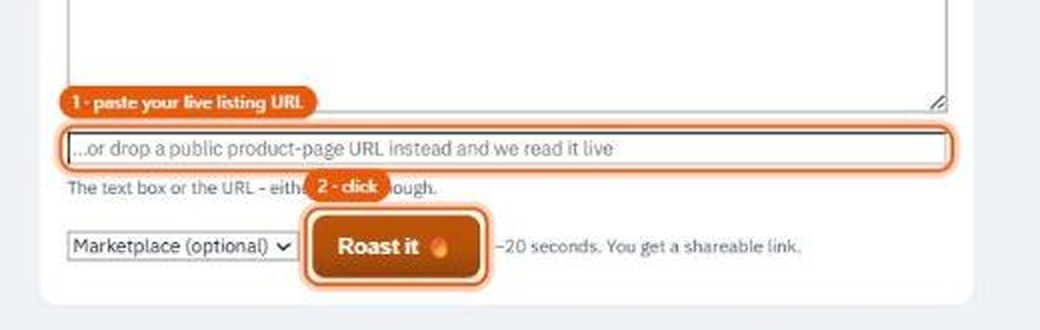
- 1Roast what you haveBefore fixing anything, find out what is broken. Paste your live listing URL and get an honest, specific roast - free, no account. The screenshot shows the exact two clicks.
 Roast my listing - free →
 - 2What Amazon actually readsThe algorithm reads your title, bullets and backend keywords - in that order of weight. Buyers read the photos first. A listing wins when both audiences are served by the same words.See the Amazon rules →
- 3Pull real demandNever guess a keyword. Live Amazon and Google volumes tell you what buyers type and how hard each phrase is to win - choose battles your listing can actually rank for.Open the keyword tools →
- 4Write the listingGenerate the complete listing - Item name and Item Highlights inside current limits, five benefit bullets, description, and backend keywords - built on the demand you just pulled. Review every line before publishing; it is your listing.Write my listing →
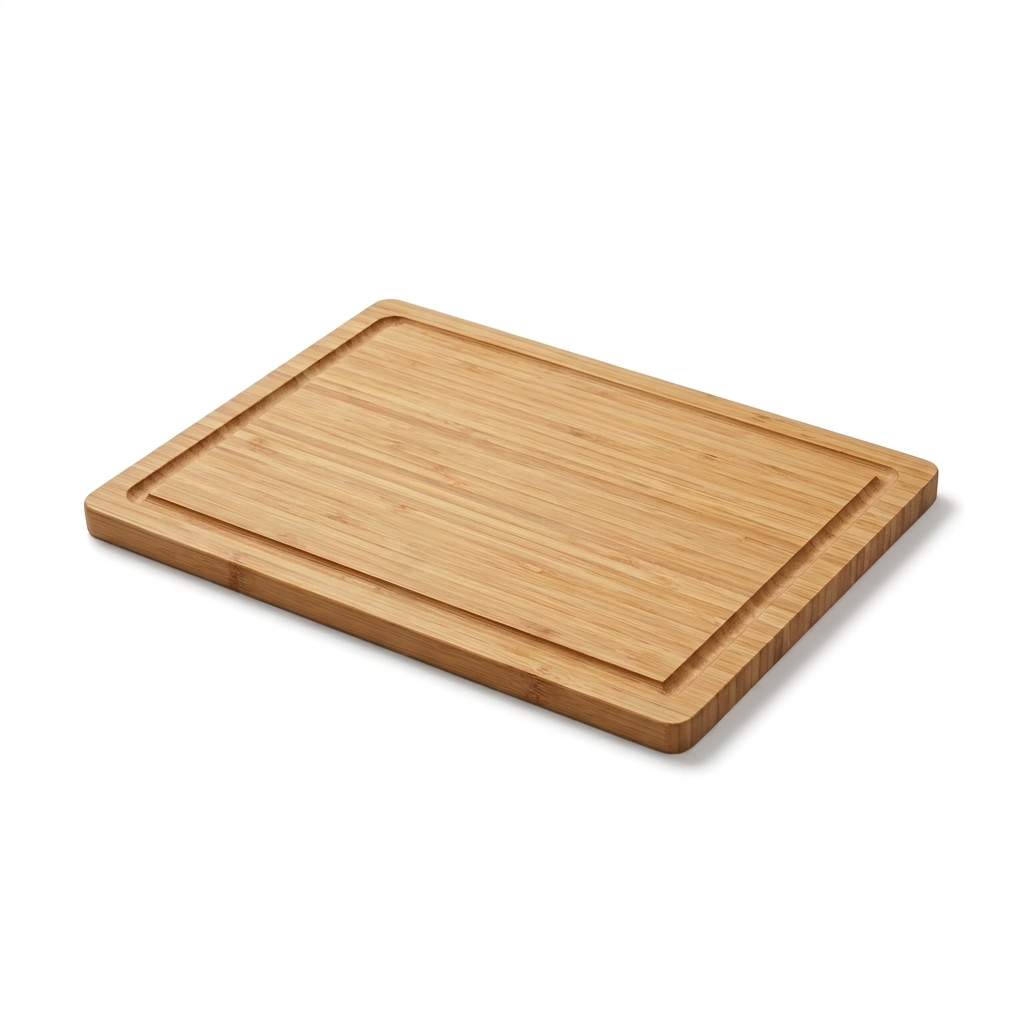
- 5The main-image ruleAmazon generally requires a pure white main-image background and the product filling most of the frame, with category exceptions. 2 credits turn your phone photo into a main-image draft for you to verify - the picture here is a real 2-credit output, untouched.
 Open the Photo Lab →
 - 6The 8-second spotListings with video convert better, and 8 seconds is enough when the first second hooks. This is a real 17-credit spot, exactly as the generator returned it - creator UGC, not AI gloss.Real output · 8 seconds · 17 creditsOpen the Video Lab →
- 7Check your rank, keep itRun a rank check for your main keyword today, publish, then re-check in a week. Rank is a loop, not a launch - the tools re-check on every plan.Check my rank →
Quick answers
How do I get my Amazon listing to rank higher?
Amazon search uses listing fields including the Item name, Item Highlights, bullets and backend search terms, but Amazon does not publish a simple fixed weighting formula. Use accurate buyer language informed by search data, add a main image and video where eligible, then track rank changes - this course walks that loop with live tools.
What are the Amazon main image requirements?
Amazon generally requires a pure white main-image background with the product filling most of the frame, though category rules can differ. Optimlister turns a phone photo into a 2-credit draft that you should check against the current category requirements.
Does video help an Amazon listing?
Listings with video convert better, and 8 seconds is enough when the first second hooks. An 8-second creator-style spot is 17 credits, quoted before it runs.
Is the Amazon course free?
Yes - reading and every screenshot are free, no account needed. Lessons that generate media state their credit price before anything is spent.
See it work
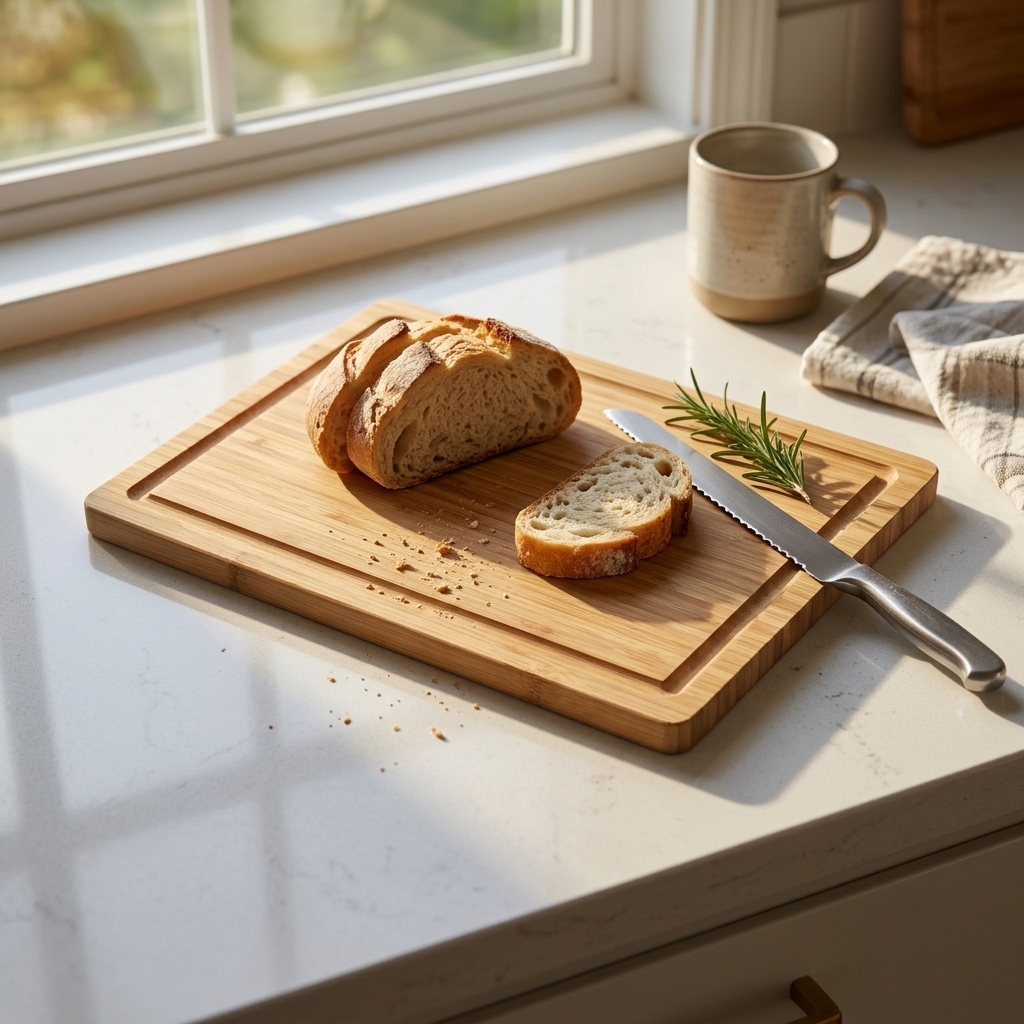
Three steps, and what each one actually produces - words, pictures and video.
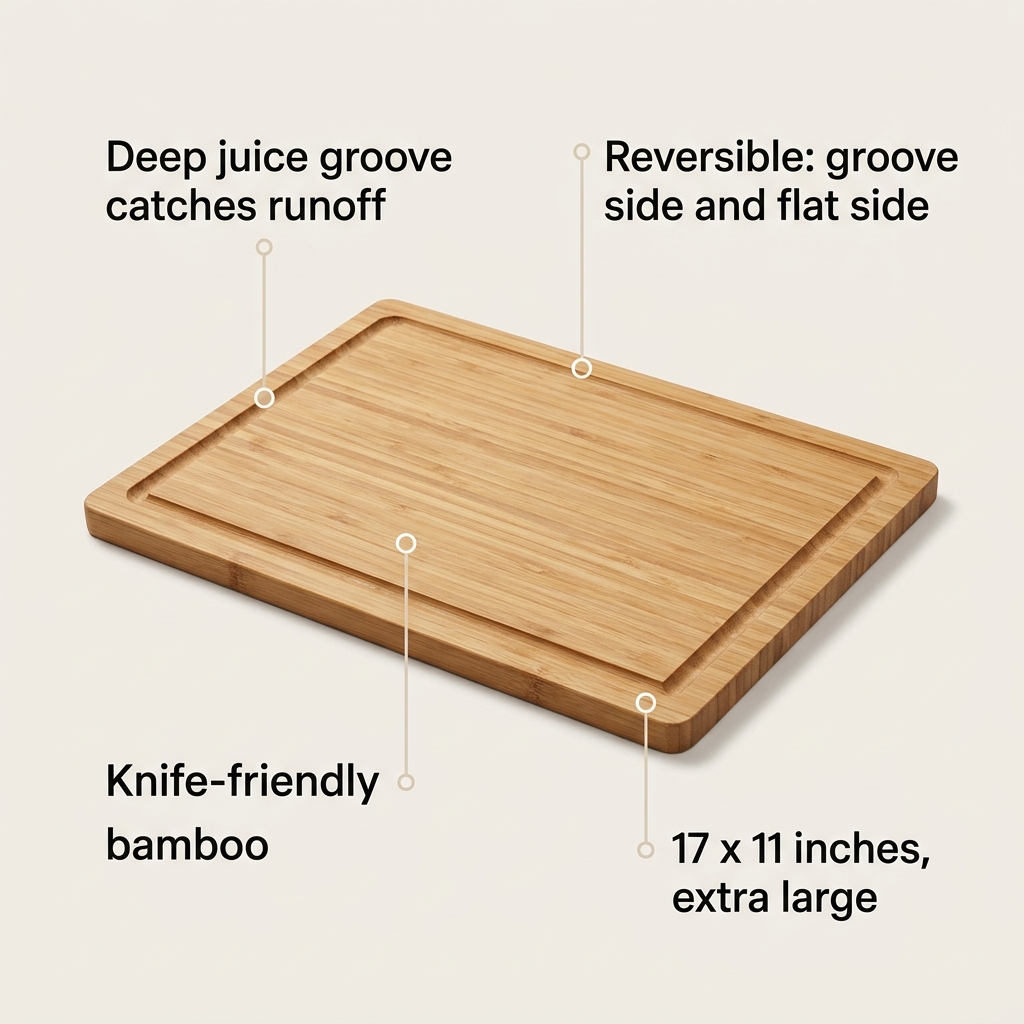
- Deep juice groove catches runoff from meat and fruit
- Reversible: groove side for carving, flat side for bread
- Knife-friendly bamboo, no dulling
- Material: Bamboo
- Size: 17 in x 11 in
- Features: Juice Groove, Reversible
- Condition: New
- Juice groove keeps counters dry
- Reversible two-sided board
- Hand wash, oil monthly
- Material: Bamboo
- Size: 17 x 11 in
- Hook line for the video caption