The Optimlister browser extension fills the listing form you are looking at with the listing you already wrote. Same words, right boxes, right character limits. You still press Publish yourself, because the account is yours.
Optional assistant: create, review, copy, download and export remain available in the web app without installing anything. The extension is ready for controlled unpacked testing, but is not in the Chrome Web Store yet.
Where it works
Amazon
Title, bullets, description, keywords - as copy buttons, one per field. Amazon asks tools not to type into Seller Central, so you paste and press Save yourself.
Etsy
Title, description, tags, materials
eBay
Title, item specifics, description
Walmart
Name, key features, description
Shopify
Title, body, SEO title and description
TikTok Shop
Title, description, attributes
It matches fields by visible labels instead of relying only on hard-coded ids. This reduces fragility, but marketplace changes can still require an update.
It reads as well as writes
Press "Read this page" on any page you already have open and the extension turns what is on screen into something useful - only when you press it, never on its own, never signed in as anyone but you.
Your listings page
Every listing's status - active, suppressed, inactive, failed review, removed - lands on your dashboard. A listing that goes down between two reads emails you with Listing SOS already filled in. Amazon, Etsy, eBay, Walmart, TikTok Shop.
A product page
Yours or a competitor's. Roast it, check it against that marketplace's rules, or mine the reviews on screen for what buyers praise and what loses the sale - on the marketplaces that will not show their pages to a server.
A stats page
Views, visits, orders, revenue - the numbers you already look at, kept over time so the rewrite you did on the 12th can be measured on the 26th.
How you use it
1
Open a listing form
Go to the add-a-product page on any of the six marketplaces and sign in the way you normally do. Optimlister never sees or stores your marketplace password.
2
Click the Optimlister icon
The popup reads the page, tells you which marketplace you are on, and shows what it can do here.
3
Fill
On supported forms, one click fills matched fields. Amazon uses copy buttons instead. You review every field and press the marketplace's own Publish button.
Cross-listing, and doing it in batches
The extension reads as well as writes. Open a product you already sell on one marketplace, click Add this page to the queue, and it lifts the title, bullets and description straight off the page. Move to a different marketplace and it rewrites them for that one before it fills anything, so an Etsy listing does not land on Walmart still sounding like Etsy.
You can also queue a whole shelf. Queue my saved listings pulls everything out of your vault, or you add pages one at a time, and the popup counts you down: Fill next, 3 of 12. Each click rewrites the next product for the marketplace you are standing on and fills the form. The count only moves when a fill actually lands, so a page that failed stays at the front of the line instead of being quietly skipped.
What it is allowed to do
activeTab
Lets the extension touch the tab you are looking at, and only at the moment you click the icon. It has no standing access to any site.
scripting
Writes the text into the form fields on that tab. This is the fill itself.
storage
Keeps your Optimlister key and cross-listing queue in this browser profile. Existing synced keys are moved to local-only storage.
optimlister.ai
The one site the extension is allowed to call. That is where your listings and the rewrite tools live.
It does not run in the background, it does not read pages you have not pointed it at, and it does not automate your marketplace account. It types for you. You publish.
Installing it today
Download the extension folder from the Optimlister repository.
Open chrome://extensions and turn on Developer mode.
Choose Load unpacked, and pick that folder.
Open the popup, paste your Optimlister key from your account page, and you are done.
Three steps, and what each one actually produces - words, pictures and video.
1
Give it what you have
A listing, a link, a photo, a product name, or the email a marketplace just sent you.
2
It writes, draws and checks, per marketplace
Six different listings and the images to go with them, each to that marketplace's limits and rules, with measured keywords behind the words.
3
You publish; it keeps watching
Files, exact fields or one-click fill; then daily rank, price and listing-health watch.
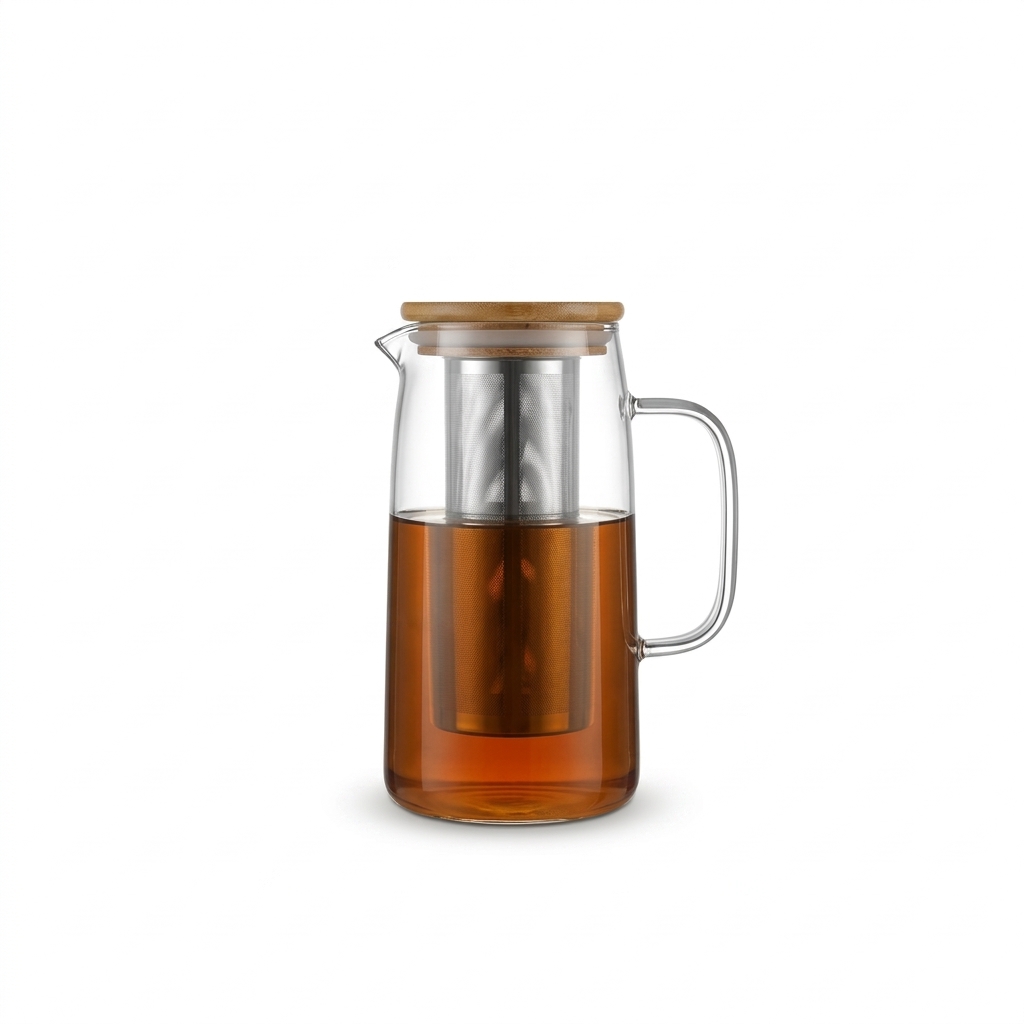
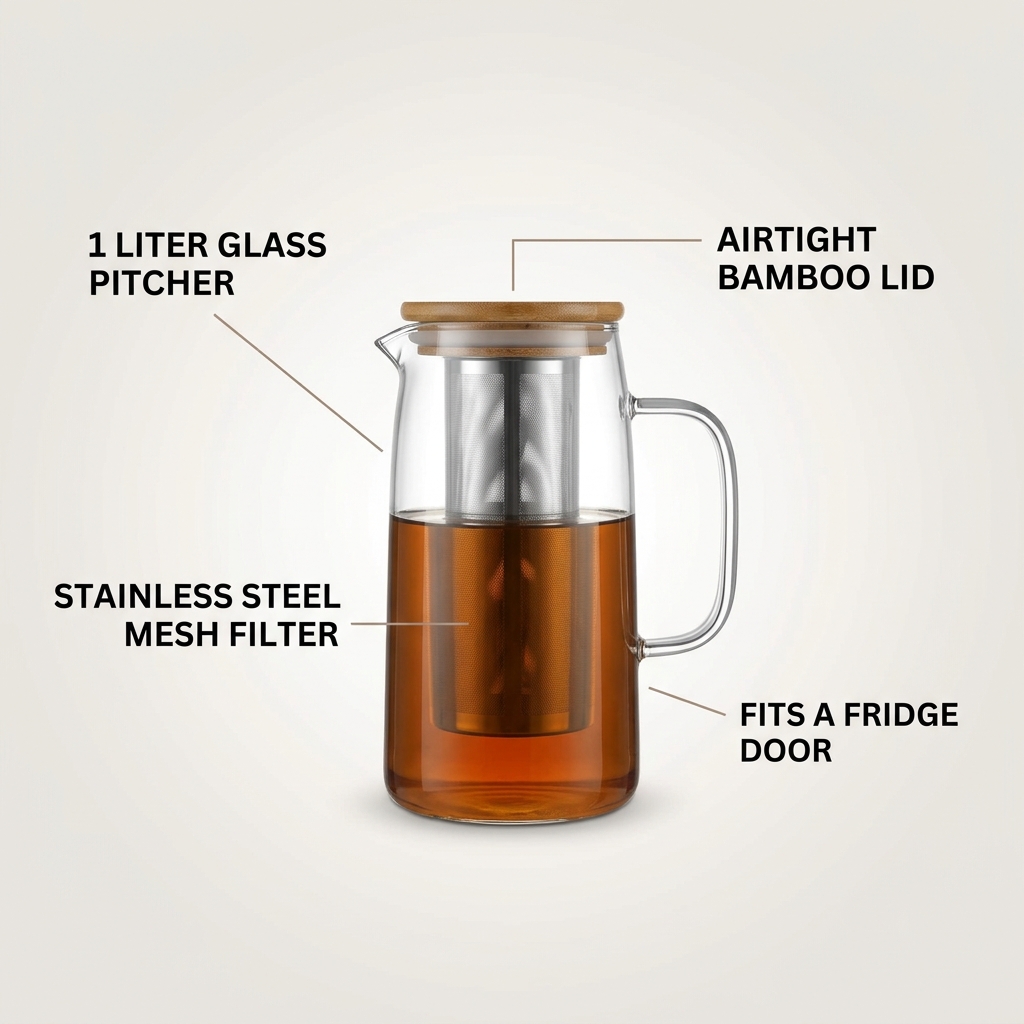
One product, six listingsExample · cold brew coffee maker · pictures made by Optimlister
Why each version differs: every card is written fresh to the rule printed on it - Amazon now uses a 75-character Item name plus 125-character Item Highlights and benefit bullets, Etsy uses buyer-friendly titles and up to 13 tags, eBay uses item specifics, and Walmart uses structured attributes. The meter under each title shows how much of that marketplace's title limit the example uses. Every asset here is a real generator output with its exact cost - see the receipts.
Amazon75-char Item name · 125-char highlights · 5 bullets
Cold Brew Coffee Maker 1 Liter - Glass Pitcher with Steel Mesh Filter and Bamboo Lid, Overnight in the Fridge and Your Morning Is Already Sorted
Capacity: 1 liter
Filter: Stainless steel mesh
Hook line for the video caption
Same product, six different texts and the right picture for each - white main image where the marketplace demands it, lifestyle where buyers browse by feel, the infographic where video and scroll do the selling. Bars show how much of the title limit is used.